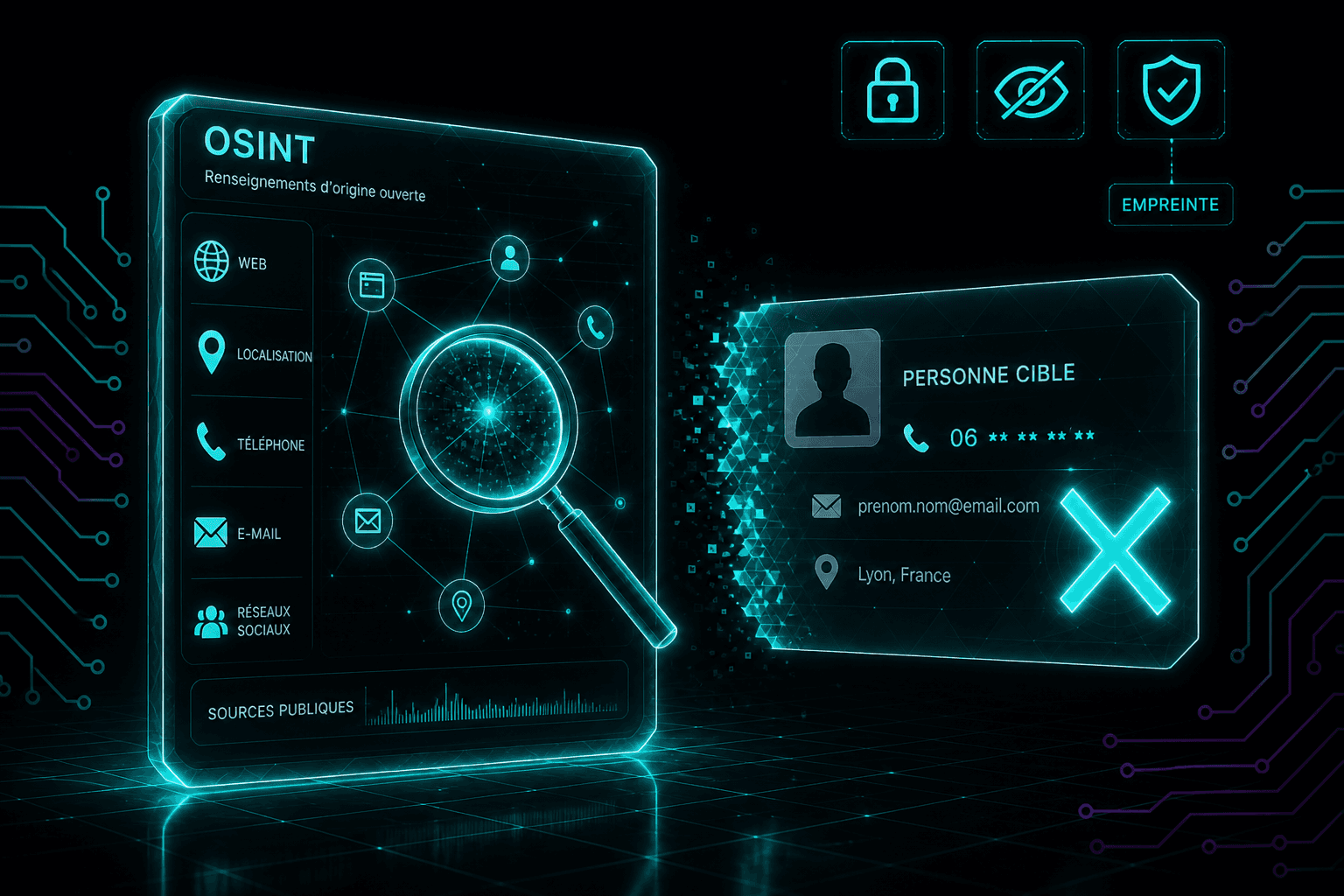
An OSINT lookup can connect your username to public profiles, your email address to an old webpage or your phone number to a listing. What it reveals depends on the available sources, and every match needs checking. Start with your own traces, then decide which details you want to remove or make less visible.
You may have kept the same username since your first forums, used one email address for hobbies and work, or left a phone number in a forgotten advert. Details that seem unremarkable on their own can reveal more when someone connects them.
This guide helps you review what is visible, what can reasonably be inferred and what you can change. Its advice on data rights focuses on the European Union; references to CNIL describe guidance from France’s data protection authority.
What do OSINT and lookup mean?
OSINT, short for Open Source Intelligence, involves collecting and analysing information from open sources. CNIL explains how connecting online information can identify someone, including someone posting under a pseudonym.
A lookup starts with a specific identifier, such as an email address, phone number or username. Tools described as “OSINT lookup” services often search for traces associated with that identifier.
The label does not establish where the data comes from. Searching public profiles, checking exposure in documented breaches and querying stolen databases are different activities. “OSINT” is not a trust certification.
Personal data does not lose its protection just because it appears online. Commercial reuse still has to comply with applicable rules, as CNIL’s guidance on publicly accessible information explains.
What can your email, phone number or username reveal?
Email: public mentions and known breaches
An email address may appear on a contact page, an association’s document or an old post. When it appears alongside your name, it can connect different activities.
A breach check asks a separate question: does this address appear in an incident the service has indexed? Have I Been Pwned explains how its service works. Its email lookup does not display the passwords associated with that address.
An entry in a breach does not establish that someone currently controls your inbox. No result does not guarantee that the address has never been exposed. Our Have I Been Pwned guide explains how to interpret the findings.
Phone number: a contact detail linked to a listing
An old advert or directory entry may associate a number with a name, business or address. Check what the original page actually shows and its date, where available.
An old result may concern a previous holder of the number, and a listing may have been copied. A name next to a phone number needs verification before you draw conclusions.
Username: a connection between different activities
Reusing a username can make your accounts easier to recognise. That may be useful for a public project, but less welcome when it connects a hobby forum to your professional identity.
Look at biography links and details repeated across profiles. An explicit link to your own website may be enough to establish a connection.
The same username does not prove that two accounts belong to the same person. Different people can choose identical handles. A tool’s results are leads to review.
How separate traces can connect
Consider a fictional example, unrelated to any Data Knight customer.
Someone uses the same handle on a photography forum and a public account showcasing their work. The second account links to a portfolio, which displays their name and professional email address.
The possible connection follows the published information: username → public account → portfolio → professional identity. Whether the forum profile belongs to that person still needs checking. The username alone does not establish it.
To reduce that connection, the person can remove an unnecessary link, edit the hobby profile or use different identifiers for different activities. Changing a handle alone will not help if the biography still links to the portfolio.
The aim is to spot connections between your activities and decide which ones you want to keep.
How to run an OSINT check on yourself
Start with identifiers you actually use
Choose your name, main email address, current phone number and one or two old usernames. Search for your name in quotation marks, adding a town or activity if namesakes make the results difficult to interpret. Try your exact email address and your usernames too.
For your phone number, compare its usual local format with its international format. Open the relevant pages before relying on search snippets.
This provides an initial view. Search engines do not index every page, reveal private accounts or expose every record held by an organisation.
View your profiles as a visitor
Open your public profiles in a signed-out browser where the service allows it. Compare what appears with what you see in your own account.
Review biographies, links, old contributions and contact details. Some elements can remain public independently of other profile settings. Google Maps reviews, for example, deserve their own check.
Separate confirmed matches from uncertain connections
Keep a short private record for each relevant page:
- Source: the exact URL and the date you checked it.
- Visible information: what the page actually displays.
- Match: “me”, “uncertain” or “not me”.
- Action: keep, edit, delete or request removal.
If a page shares your name but concerns someone else, do not treat it as exposure of your data. If it mixes your identities, record the specific error. Our namesake guide covers this situation.
Check breaches without submitting details to unfamiliar sites
Start with official notices from the affected organisations. CNIL advises against sites claiming to hold a stolen file and offering to confirm your presence. Avoid giving those sites more information or paying to view a record.
For an additional check with an established service, read what it searches, what information it requests and its limitations. You do not need to download stolen databases to protect your accounts.
What should you do with the findings?
You still control the account or post
Remove unnecessary contact details, adjust visibility or delete the relevant post. Before closing an unused account, keep any material you still need.
Return to the public page to check the result. Editing a profile does not necessarily remove details written into old posts or visible in photographs.
A directory, website or broker displays your data
Identify the organisation responsible and its privacy contact. Specify the page and the data you want removed. Keep copies of your request and the response.
The right to erasure explained by CNIL applies under particular conditions and has exceptions, including legal obligations and freedom of information. It does not guarantee removal of every mention of your name. In another EU country, consult your own data protection authority for local guidance.
Your contact details appear in Google
You can ask Google to remove certain results containing personal information, subject to its criteria. Its official removal procedure explains that removing a search result does not delete the page hosting the information.
Action with the search engine and action with the source website are separate. Our guide to removing your name from Google results explains the distinction.
A breach affects one of your accounts
Check which categories of data were reportedly compromised. If a password was exposed, change it on that service and anywhere you reused it. Enable multifactor authentication where available, prioritising your email and important accounts. These measures are included in CNIL’s advice after a breach.
Removing a public listing and securing an account address different problems. An erasure request to a directory does not remove copies of stolen databases already in circulation.
What Data Knight can add to your own checks
Manual checks help you understand what you publish and choose useful changes. Data Knight can complement this work across the sources it covers: the public web, data brokers, indexed breaches and Dark web sources. Its coverage focuses on France and Europe.
An analysis can give you starting points for action. It does not guarantee discovery of every old account, stolen database or mention of your identity. You also need to review matches that may concern someone else.
For supported erasure requests, Data Knight can act under your authorisation and track responses. Detecting a trace, sending a request and confirming removal remain separate stages.
You can analyse your data, then choose which findings to address.
Sources checked on 28 October 2026. The worked example is fictional and educational; it does not describe a customer case or a test performed on a real person.
See also: Understanding OSINT · People Finder in France · Checking data breaches · Removing your online traces