A data breach happens when personal information is exposed or stolen following a hack or error. Checking whether your data has leaked helps you identify the affected accounts or services and take action. Here is what to know about personal data breaches and how to respond.
How can I tell whether my data has leaked?
You may ask this after a service alert, a reported hack or simply as a precaution. In practice:
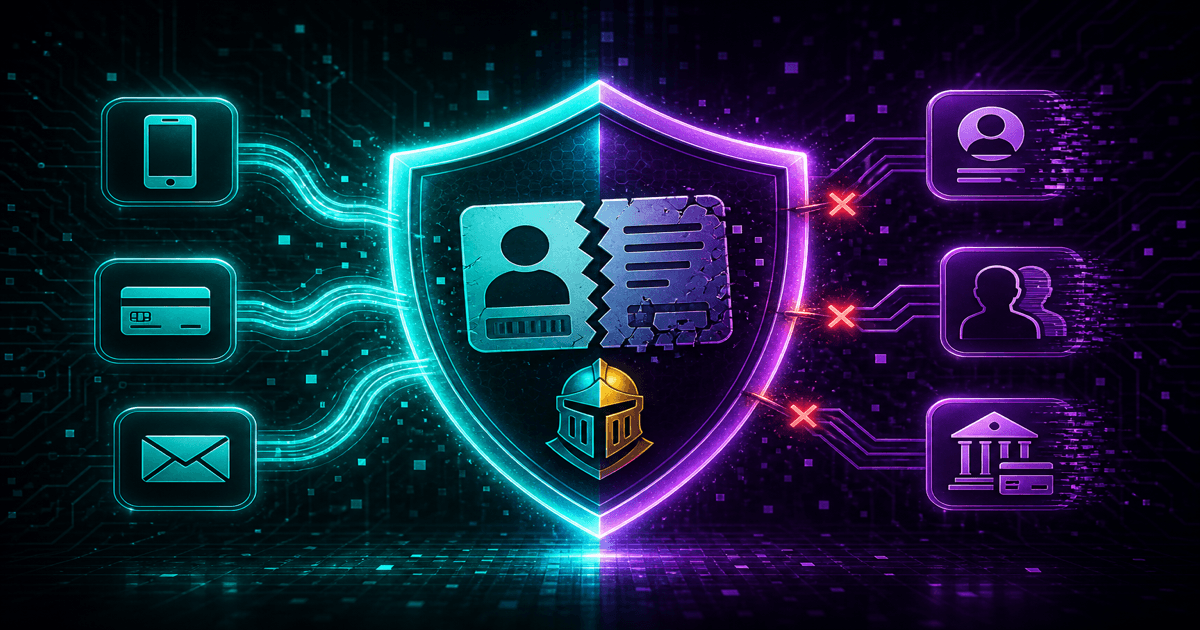
- Check whether your email or phone number appears in recorded breach databases through public tools or the breaches section of a Data Knight scan.
- Monitor sign-ins and password-reset emails for sensitive accounts.
- Read official communications from the affected service, taking care to avoid fake emails.
An empty result is not absolute proof that there has been no breach. Not all breaches are public. These checks nevertheless provide a useful starting point for prioritising your actions.
What is a data breach?
A data breach involves unauthorised access, disclosure or theft of personal data. It may affect credentials such as an email and password, contact details, health data or financial information. Causes include hacking, configuration errors, malware and internal leaks. The information may then be sold on the dark web or used for phishing and identity theft.
Personal data breaches are subject to notification requirements under Articles 33 and 34 of the GDPR. Where there is a risk to your rights, the controller must notify the supervisory authority and, in certain cases, inform you. Not all breaches are known or reported, which is why checking for yourself helps.
Why check for leaked data?
Checking helps you respond in time: change passwords for affected accounts, enable two-factor authentication and monitor your inbox and accounts for suspicious sign-ins or activity. Acting early limits risks such as identity theft, account takeover and targeted phishing.
An overall view of your digital footprint, including the public web, brokers and breaches, helps you decide which accounts to secure and what information to request removal of where possible.
How can I check an email address or phone number?
Public tools can check identifiers against known breaches. Have I Been Pwned is one example; see our HIBP guide for its coverage and limits. Breach databases are aggregated so that you can check whether an identifier appears without exposing your password. Available searches depend on the tool and dataset.
Our free scan includes a data breaches section. It checks the email address and phone number you provide against referenced breaches, and the report identifies the accounts or services concerned. These databases do not contain every breach. They provide a view of known, documented exposure that can help you act.
What to do after a breach
If your data has leaked:
- Change the affected account's password, and passwords on accounts where you reused it.
- Enable two-factor authentication (2FA) wherever possible.
- Monitor your inbox and accounts for unfamiliar sign-ins and alerts.
- Request erasure where possible from brokers or websites holding information about you, using your Article 17 right to erasure. For compromised passwords, see what to do in five minutes; for a structured response, see the seven-day breach and broker plan.
Combine breach response, which secures accounts, with reducing your footprint through broker and web removal requests. We explain how to protect yourself after data breaches and how scanning and removal fit together.
Want to know whether your email or phone number appears in a known breach? Run a free scan for affected accounts and suggested actions. To request removal from brokers or public websites, continue with Remove my data.
See also: Have I Been Pwned: what to know · Leaked password: five-minute response · Spam and scams after a breach · GDPR Article 17 in practice · Digital footprint and removal guide · Data brokers: how to remove your information.